
Practical guides
What Your Pokémon Collection Value in Portfolio Means
Understand how owned quantities, manual prices and filters affect your Pokémon collection value in Acorn TCG—and why that total is not guaranteed sale proceeds.
Your Collected value in Acorn TCG estimates the value of your owned cards using their quantities and the prices applied to them. Saved manual prices can contribute to that total. It is useful for understanding your collection, but it is not a purchase offer or a promise of what you could sell everything for.
Portfolio brings together Collected value, Unique cards and Total copies so you can read the value alongside the size of your collection. The example below uses fictional collection data. Its chart and displayed changes were created for demonstration; they do not show observed market performance.
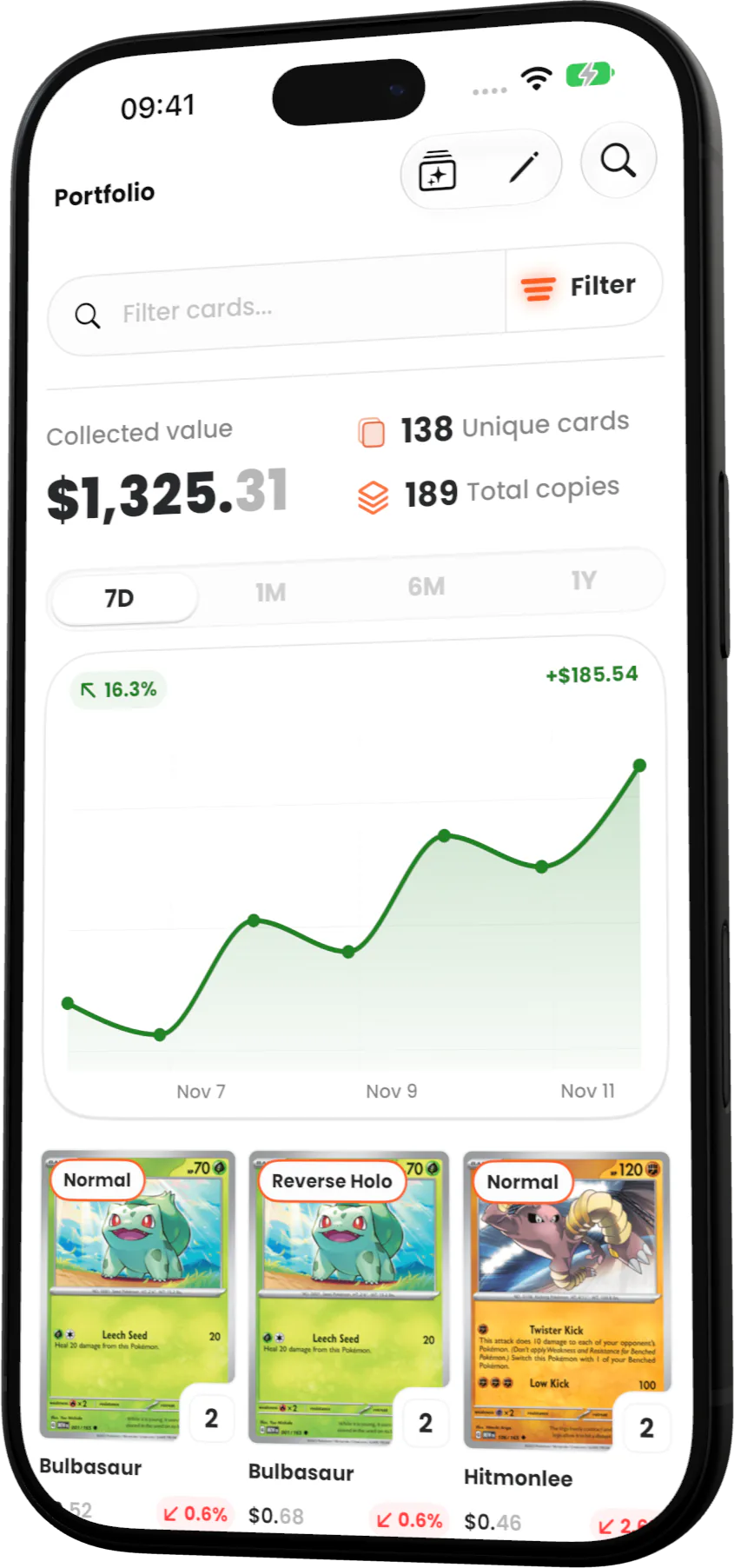
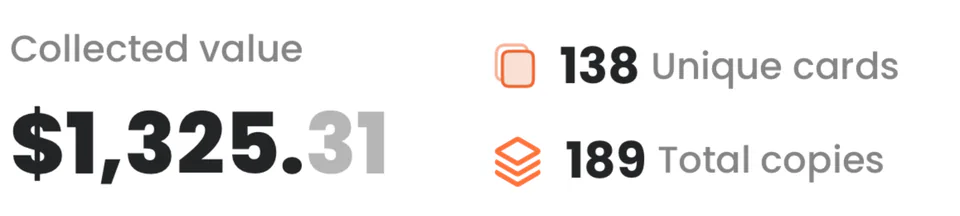
Quantities matter because each owned variant’s unit value is multiplied by its number of copies. Recording an extra copy therefore affects the calculation even when you have not added a different card. The summary close-up makes these measures easier to compare.
A saved positive Manual Price takes precedence over the available reference price for that owned variant. This means your total can combine app reference prices with amounts you entered yourself. Reset price removes that override and returns to the available reference price; it does not establish what a buyer will pay.
Price availability varies by card and variant, and available fallback prices can also affect the calculation. Treat Collected value as an estimate built from the values the app uses. It is neither an independent valuation nor a measure of profit.
Search and filters also change what the summary describes. Once the list has loaded, searching or filtering by card language, Pokémon type, rarity or card color changes both the visible entries and their displayed summary. A filtered total can help you examine part of your collection, so check the active selection before comparing it with a previous total.
Sorting, switching between grid and list, or grouping cards by set arranges the entries without changing ownership. The history chart covers the whole owned portfolio and is hidden while search or those filters are active. Do not read it as the performance of a filtered selection.
When a total surprises you, use this checklist to understand what contributes to it:
- Check that the recorded copies and owned variants match your collection.
- Review any saved Manual Price and decide whether you still want that amount to override the available reference price.
- Check whether a search or filter has narrowed the displayed summary.
- Review when card data was last updated on your device before interpreting a price difference.
Acorn checks for card-data updates when the app becomes active, and Settings shows when that device’s card data was last updated. A successful check can find no newer data; it does not mean every card has received a fresh price. Use the total to understand your recorded holdings, then assess any potential sale separately.