
Collecting
Collecting Eevee Cards: Three Prints from Different Sets
Start a focused Eevee collection with selected English printings from Delta Reign, Jungle and Legendary Treasures, then explore by set or illustrator.
Start a focused Eevee collection with the English printings from Delta Reign, Jungle and Legendary Treasures. Together, they give you different sets and illustrator credits to compare while keeping the Pokémon and language consistent. Treat them as a suggested starting selection, not a complete Eevee checklist.
Compare the exact printings
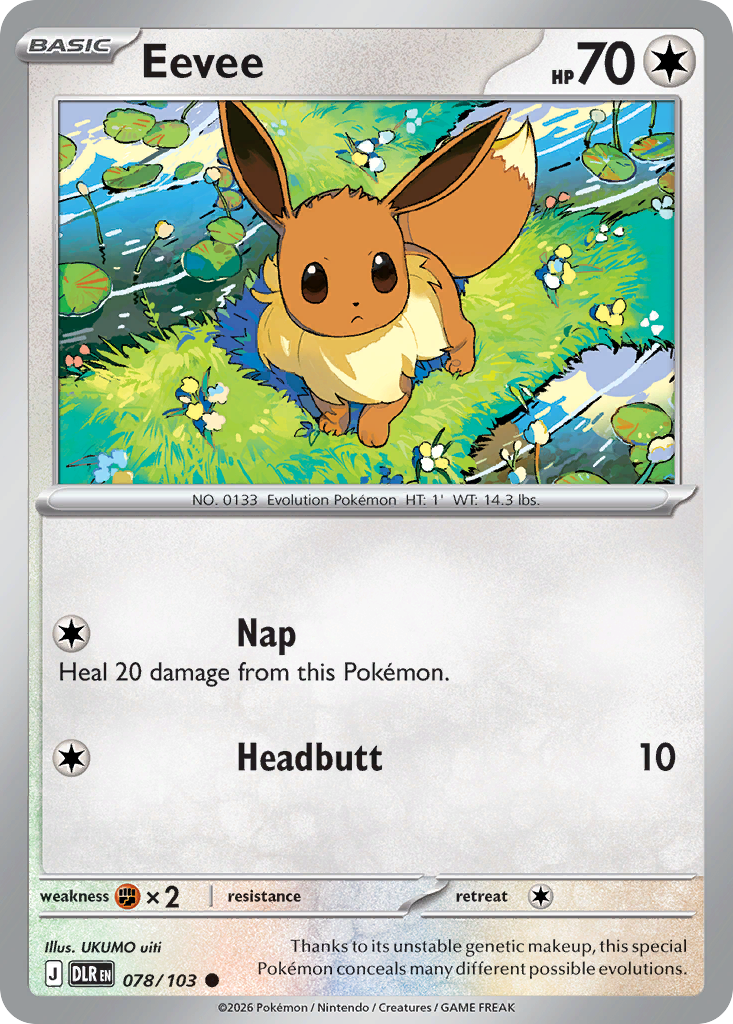
Eevee — Delta Reign, 078/103 (English), carries the illustrator credit UKUMO uiti. Use it as an anchor for your selection: recording the set and collector number alongside Eevee’s name gives you a specific printing to look for.
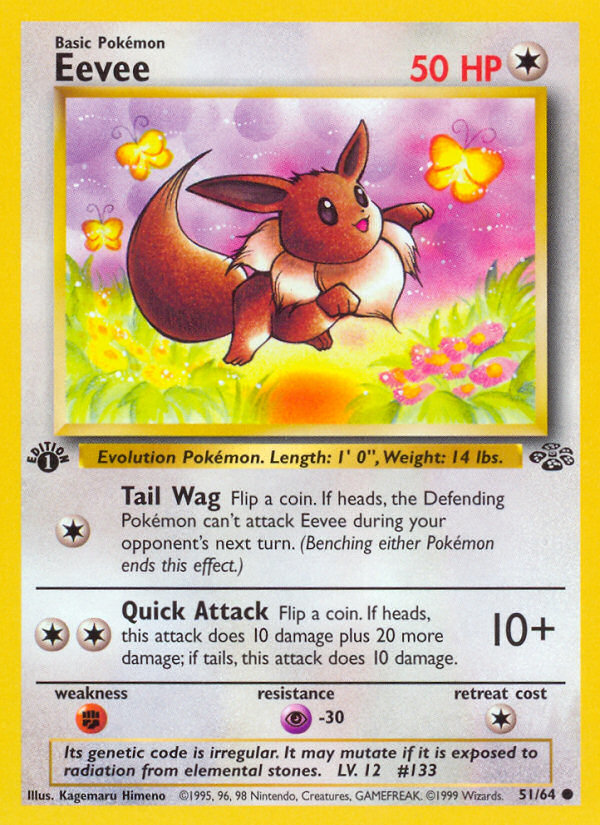
Eevee — Jungle, 51/64 (English), credits Kagemaru Himeno. Comparing its credit with the Delta Reign card gives you another way to shape the collection. You could choose Eevee cards by illustrator as well as by set, rather than making every Eevee printing your immediate goal.
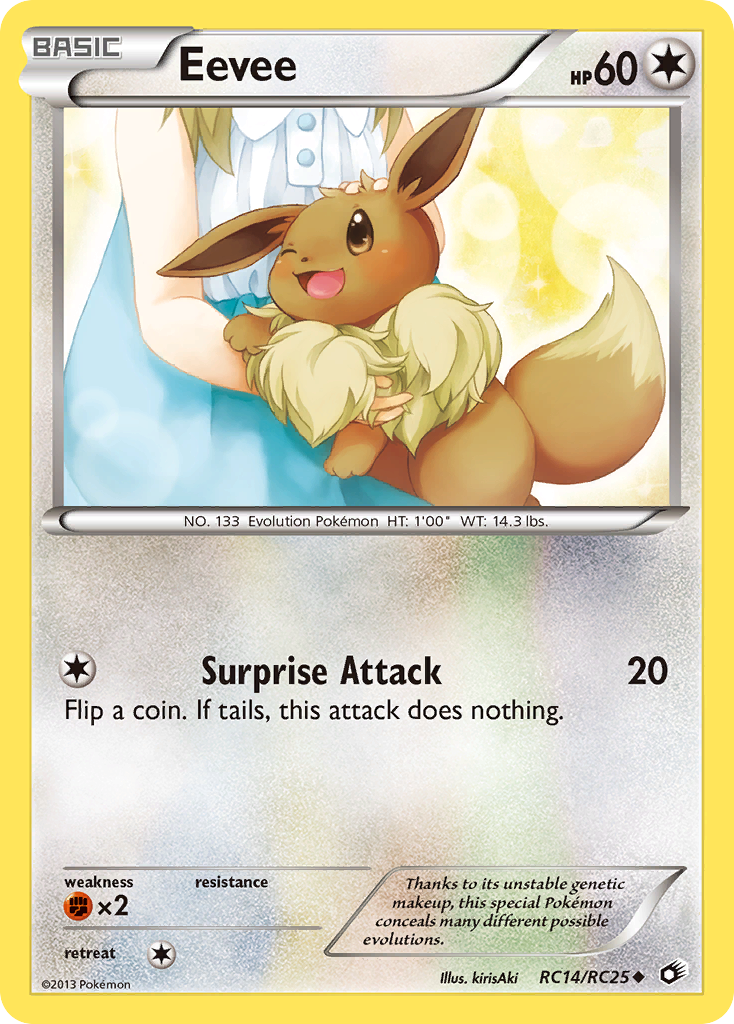
Eevee — Legendary Treasures, RC14/RC25 (English), credits kirisAki. Keep the full collector number, including its letters, when recording this choice. With this card added, your starting list spans different sets and credited illustrators without requiring a claim about which card is best or most desirable.
Give your Eevee collection a clear scope
Before adding more cards, decide what makes an entry belong in your collection. A small set-based selection and an illustrator-focused collection are both useful approaches; neither has to become a checklist of every printing.
- Record each chosen card’s set, full collector number and language.
- Decide whether your next addition should introduce another set or follow an illustrator credit.
- Choose which finishes you want to include, and check them separately when matching a physical copy.
- Treat additional languages or finishes as a deliberate expansion of your scope.
Explore Eevee’s catalogue in Acorn TCG
Acorn TCG brings together cards associated with Eevee in its Pokémon catalogue. Search and filter controls help narrow your exploration, and tapping a card opens its details for a closer look. Keep your selected printings at hand as you look for a next addition that fits your collecting goal. The screen shown uses a limited English selection with fictional ownership; its totals, values and timeline describe only that example.
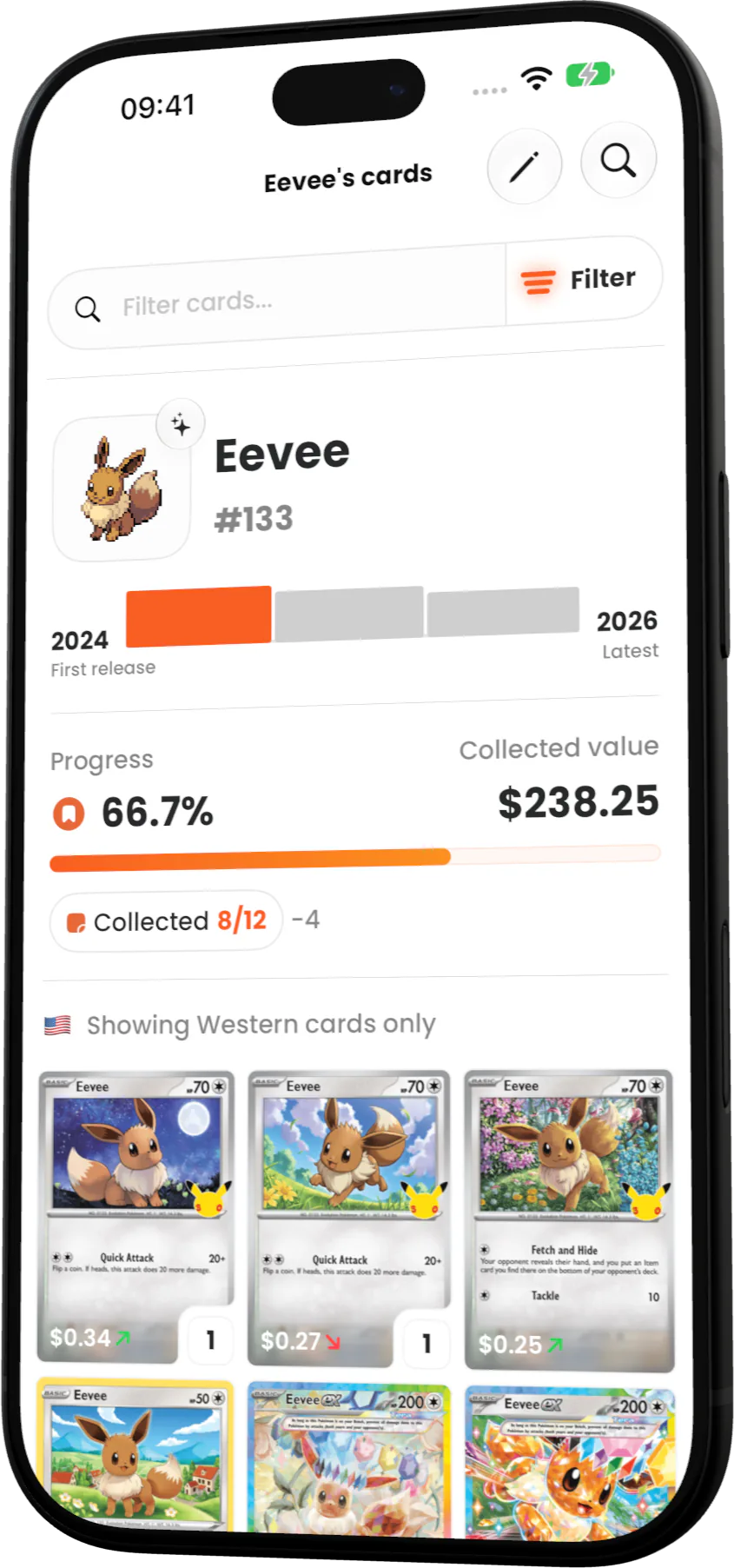
You can also create and name a custom collection for your Eevee choices or wishlist. Its card list and collected progress help you follow the selection you have defined. A name such as “Eevee favourites” describes your goal; you still decide which printings belong.
The card data used in this guide comes from the Acorn TCG catalogue.